Your truck runs Tuesdays in three neighborhoods, but your website says you serve “the entire metro area.” That mismatch costs you leads. Strong service area pages tell Google and homeowners exactly where your route runs. They also help your bin cleaning website bring in customers on streets you can reach. Wrong ones bring calls you can’t profitably serve. It adds up.
Why Service Area Pages Matter for Route-Based Companies
A bin cleaning company doesn’t win by covering a huge map. It wins by stacking customers on the same streets, because every extra stop on a route you already drive is nearly pure margin.
Most sites ignore that. They list 40 city names in a footer and call it done. Google reads that as thin, and a homeowner reads it as vague.
Here’s the pain point. Say you get 15 leads a month, but six come from towns 25 miles out. You either burn fuel and a half day on two stops, or you turn people away. Neither feels good.
Good service area pages fix the front end of that problem. They attract the right people before your phone ever rings.
Think of each page as a promise, one that also helps with seasonal demand, since spring and summer searches spike street by street. It says, “We’re in your neighborhood on these days.” That’s a far stronger pitch than a generic service list.
How to Build Service Area Pages That Match Your Routes
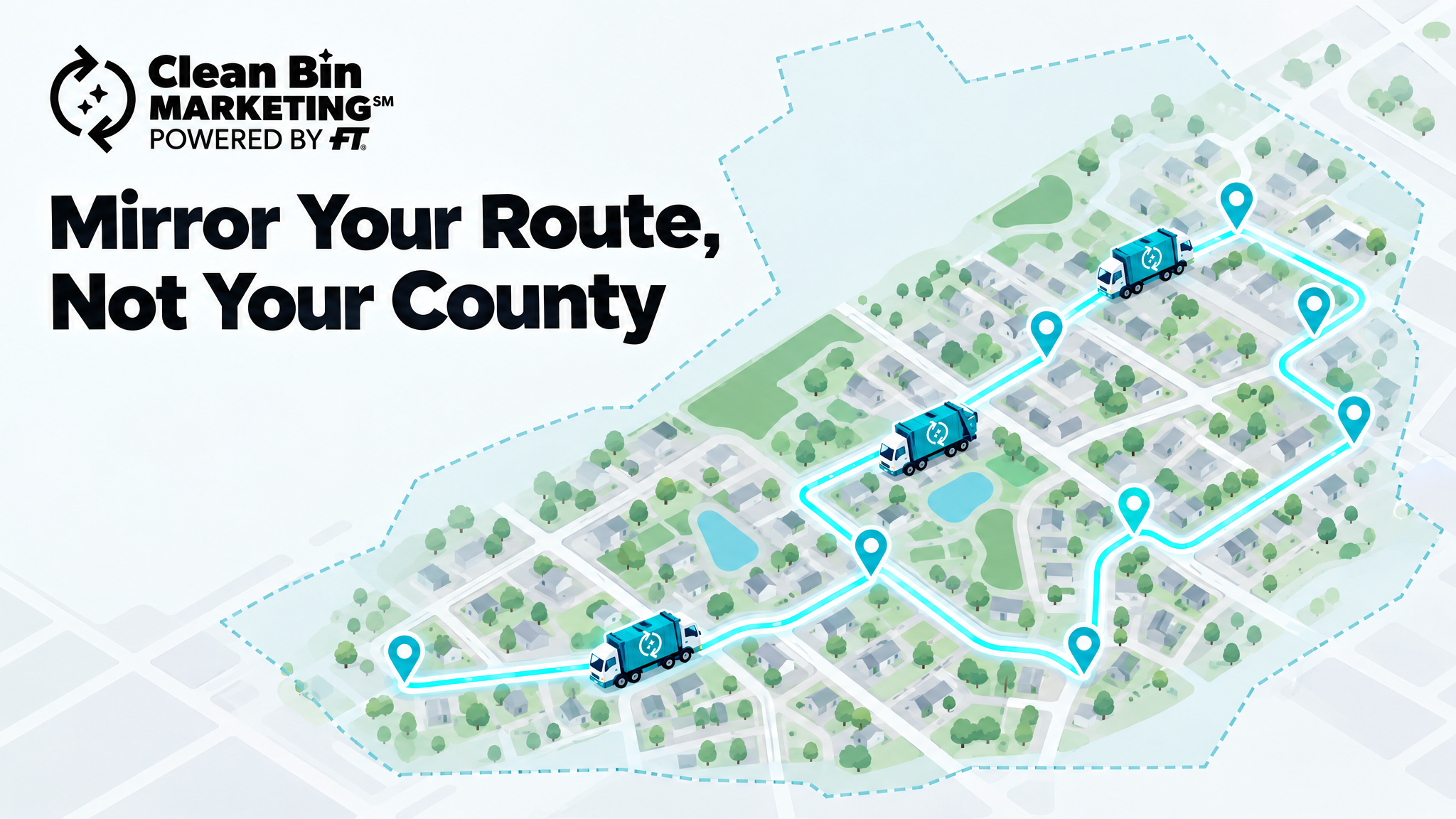
Start with your actual route map, not a list of every town on a county line. Then build pages in the order that supports density first.
- Rank your zones by stop count. Pull your current customers by ZIP code. The zones where you already have 10 or more recurring stops get a page first.
- Add pages for adjacent zones next. These are neighborhoods within a short drive of an existing route. One new subscriber there costs you almost no extra windshield time.
- Write real local detail on each page. Mention your pickup day pattern, the local trash collection schedule, and common issues like HOA bin rules or summer odor. Never swap only the city name on a copied template.
- Add proof that belongs to that area. A review from a customer in that neighborhood beats a generic testimonial. If you don’t have one yet, ask your next three subscribers there.
- Show a booking path on every page. A short form with ZIP code, bin count, and preferred service day works well. Keep it above the fold on a phone.
- Match your Google Business Profile. Google’s own help page on managing your service areas lets you list up to 20 areas. Make sure those areas line up with the pages on your site.
- Link the pages together. Connect nearby zones with a simple “we also serve” line so visitors and search engines can see the whole route pattern.
Stay focused. Skip the zones you can’t reach, because pages for towns outside your route only invite bad-fit leads and wasted quotes.
Here’s a quick example. An operator with 60 recurring stops in two suburbs builds pages for those two first. Within a few months, a third page for the next suburb over starts pulling in booking requests that slot right between existing stops.
One caution: don’t create 50 near-identical pages. Ten strong pages beat fifty copies. If you run a second truck next spring, add its zones then.
How Specialized Marketing Fuels Growth
A general marketing firm will happily build you a page for every ZIP code in the state. It looks busy, and it fills a report. It rarely fills a route.
A niche partner starts from route density. That means asking which streets already pay, where a new stop adds the least drive time, and when your seasonal surge hits. Page structure follows those answers.
That’s the approach behind Clean Bin Marketing’s SEO packages for bin cleaning companies. The goal isn’t more pages. It’s the right pages in the right order, so new subscribers land where your truck already goes.
The difference shows up in lead quality, and in how much of your week goes to driving instead of cleaning. Fewer wasted calls from the wrong towns, more booking requests from streets you can serve on a Tuesday.
Frequently Asked Questions
Q: How many service area pages does a bin cleaning company need? A: Most operators do well with one page for each core zone, usually 5 to 12. Start with the areas where you have the most recurring stops. Add more only when you can write something useful and local for each one.
Q: Will service area pages hurt my Google Business Profile ranking? A: No, they work alongside it. Your profile drives map results, and your pages give Google more detail about where you work. Keep the areas in both places consistent.
Q: Should I put a price on each service area page? A: Many owners show a starting price or a simple “from” rate for a standard residential clean. It filters out tire kickers and sets expectations. If your pricing varies by zone, say so plainly.
Build Service Area Pages Around Where Your Truck Already Drives
Strong service area pages do one job: they bring in customers who fit your route. Rank your zones by stop count, build the dense ones first, and keep every page honest and local.
Waiting has a cost. Every month a competitor shows up for your best neighborhoods, they collect the subscribers who’d have joined your route.
Not sure how your current pages stack up? Clean Bin Marketing offers a free, zero-obligation review of your site and where it’s missing leads. Get in touch with our team and we’ll show you what we see.